

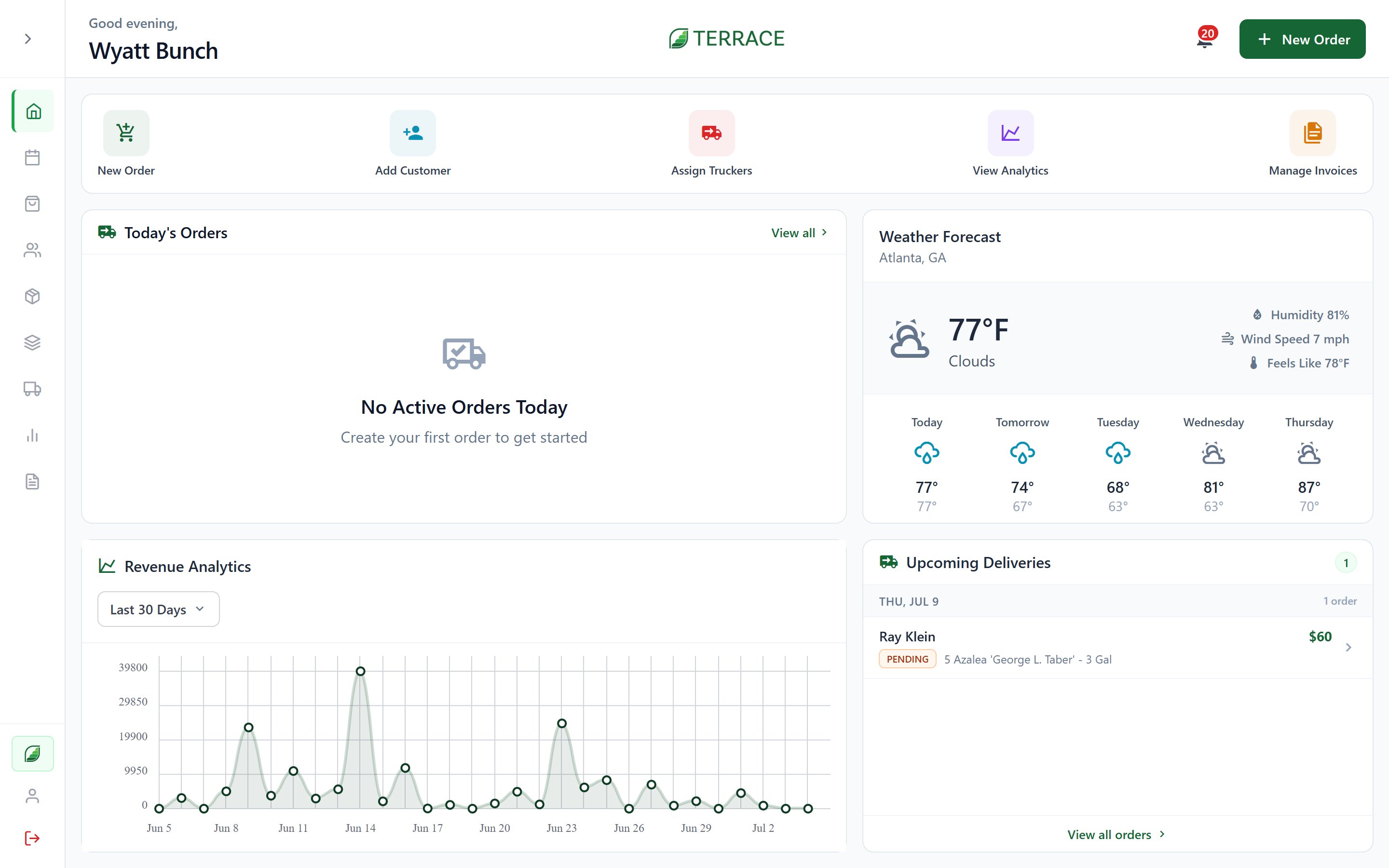
Quick actions
Five shortcuts at the top of the screen: New Order · Add Customer · Assign Truckers · Manage Invoices · View AnalyticsWhat’s on the dashboard
- Active Orders: every order still moving, whether Pending, Awaiting Harvest, Harvested, Ready for Pickup, In Transit, or On Hold. Change a status or open an order right from the card.
- Upcoming Deliveries: what’s due soon, sorted by fulfillment date.
- Revenue: your revenue chart, switchable between Last 7 Days, Last 30 Days, Last 3 Months, and Last Year. Only visible to roles with revenue permission.
- Weather Forecast: the local outlook, because growing and delivery plans live and die by it.
Calendar
The Calendar screen puts orders and events on a real calendar, including fulfillment dates, scheduled deliveries, and events you add yourself, so the week’s shape is visible before it happens.Role-based views
The dashboard adapts to who’s looking at it:- Owners, Admins, and Staff see the full operation view described above.
- Trucking team members get their own delivery dashboard. See Trucking.
- Farm staff without dashboard permission land directly on Orders, focused on the work in front of them.
Quickstart
New to Terrace? Set up your operation and create your first order.