

Before you begin
- A Terrace account. If a teammate invited you, open the invitation link and set your password. If you’re starting a new operation, contact us at founders@terracetech.co and we’ll get you set up.
- A phone, tablet, or computer with a browser. Terrace works on all three.
Get started
1
Sign in
Open Terrace and sign in with your email and password. Terrace opens to your Dashboard, or to a focused view if your role is field or trucking staff.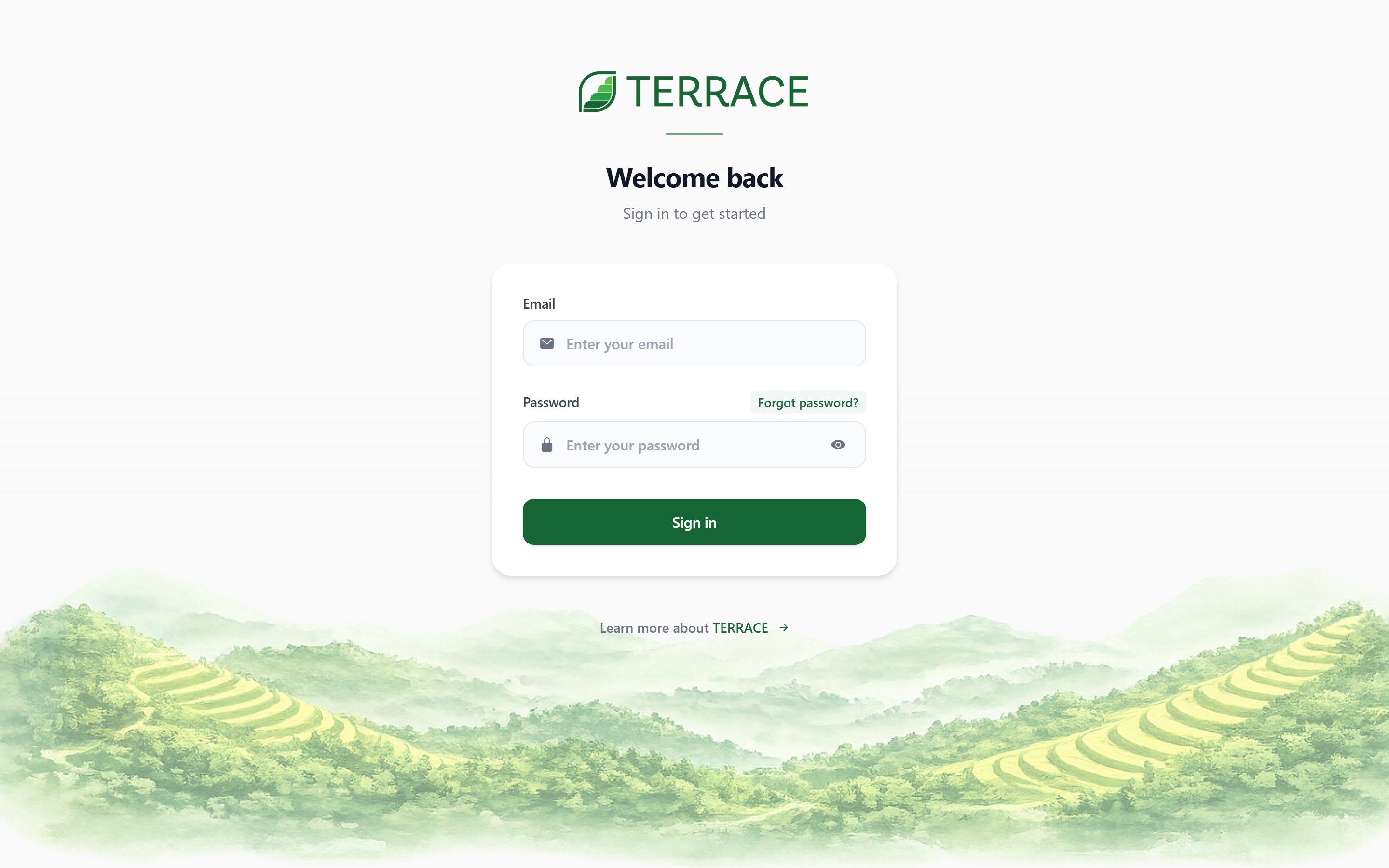
2
Set up your farm profile
Go to Account and confirm your operation’s details: name, contact info, and pricing and fee defaults. These settings flow into every order and invoice you create.
3
Add a product
In Inventory, add at least one product with a unit and a price. Products are what you sell on orders and track as stock.
4
Add a customer
In Customers, add the person or business you’re selling to. You can save their contacts, delivery addresses, and pricing tier for reuse on future orders.
5
Create your first order
Go to Orders and tap + New Order. Walk through the guided steps: pick the customer, add products, set delivery details, and review the summary. Save it, and your order appears on the Dashboard as an active order.
What’s next
Orders
Learn the full order lifecycle and how status changes drive growing, inventory, and invoicing.
Invite your team
Add teammates and set what each role can see and do.
Connect QuickBooks
Sync customers and invoices with your accounting.
Dashboard
Understand the numbers and shortcuts on your home screen.