

Products
A product is anything you sell. Each product record can carry:- Product Name, SKU, and Description
- Genus / Species and growing attributes like Sunlight (Terrace adapts to your operation type, so nurseries see plant attributes and sod farms see theirs)
- Price per Unit and pricing-tier prices
- Tags for your own grouping
- Low Stock Threshold, the level at which the product flags as Low Stock
- Public Availability, whether the product is offered to customers
Stock adjustments
Stock moves automatically as orders commit and cancel, but the real world moves too. Use stock adjustments to keep Terrace honest, and tag each one with a reason: Sold · Damaged/Lost · Replanted · Purchased · Brokered · Manual Adjustment Reasons make the adjustment history auditable, so you can always answer “where did those 40 units go?”Locations
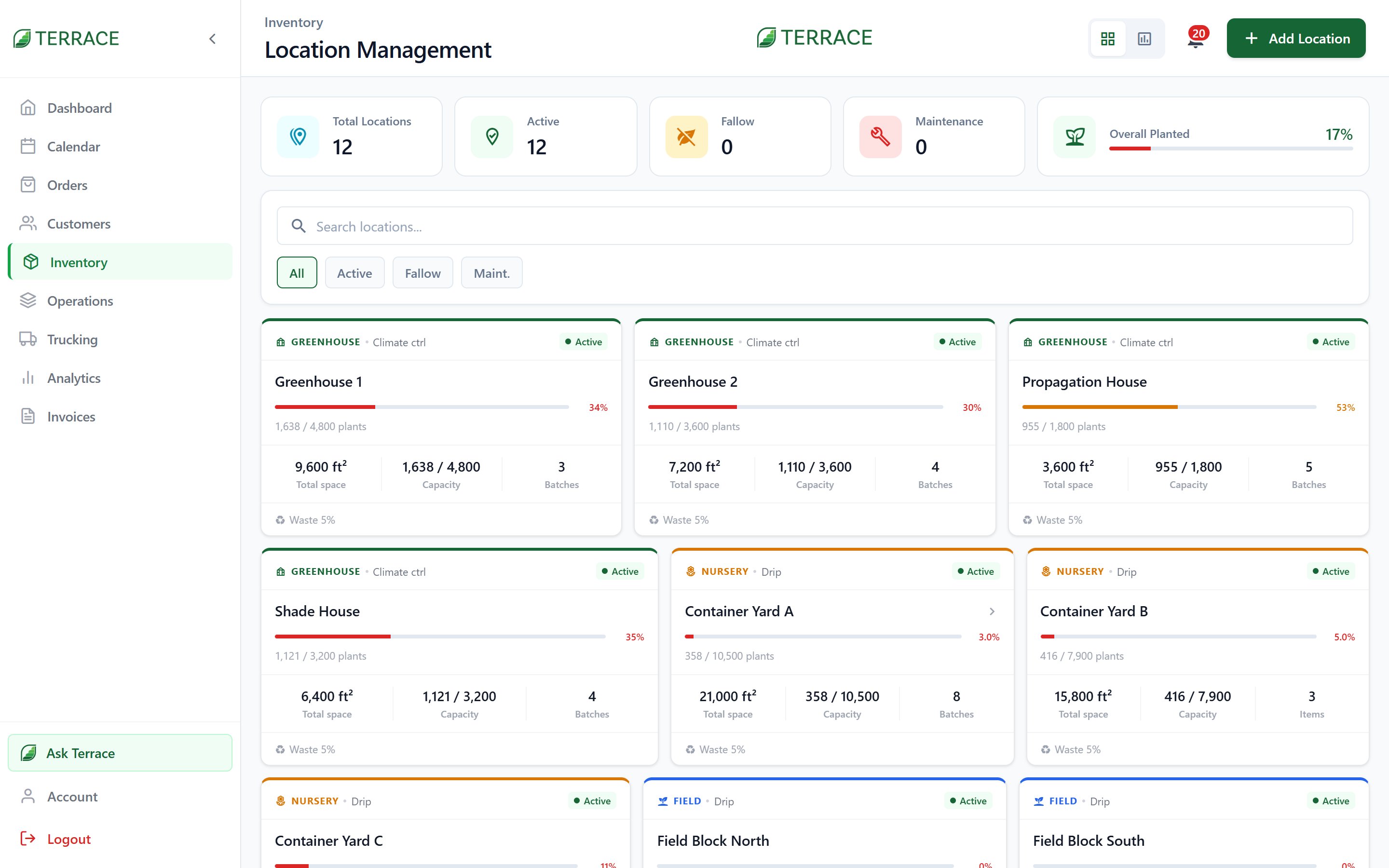
- Acreage / Square Feet and Plant Capacity
- What’s Planted, Reserved, and Sold there
- A status: Active, Fallow, Maintenance, or Archived
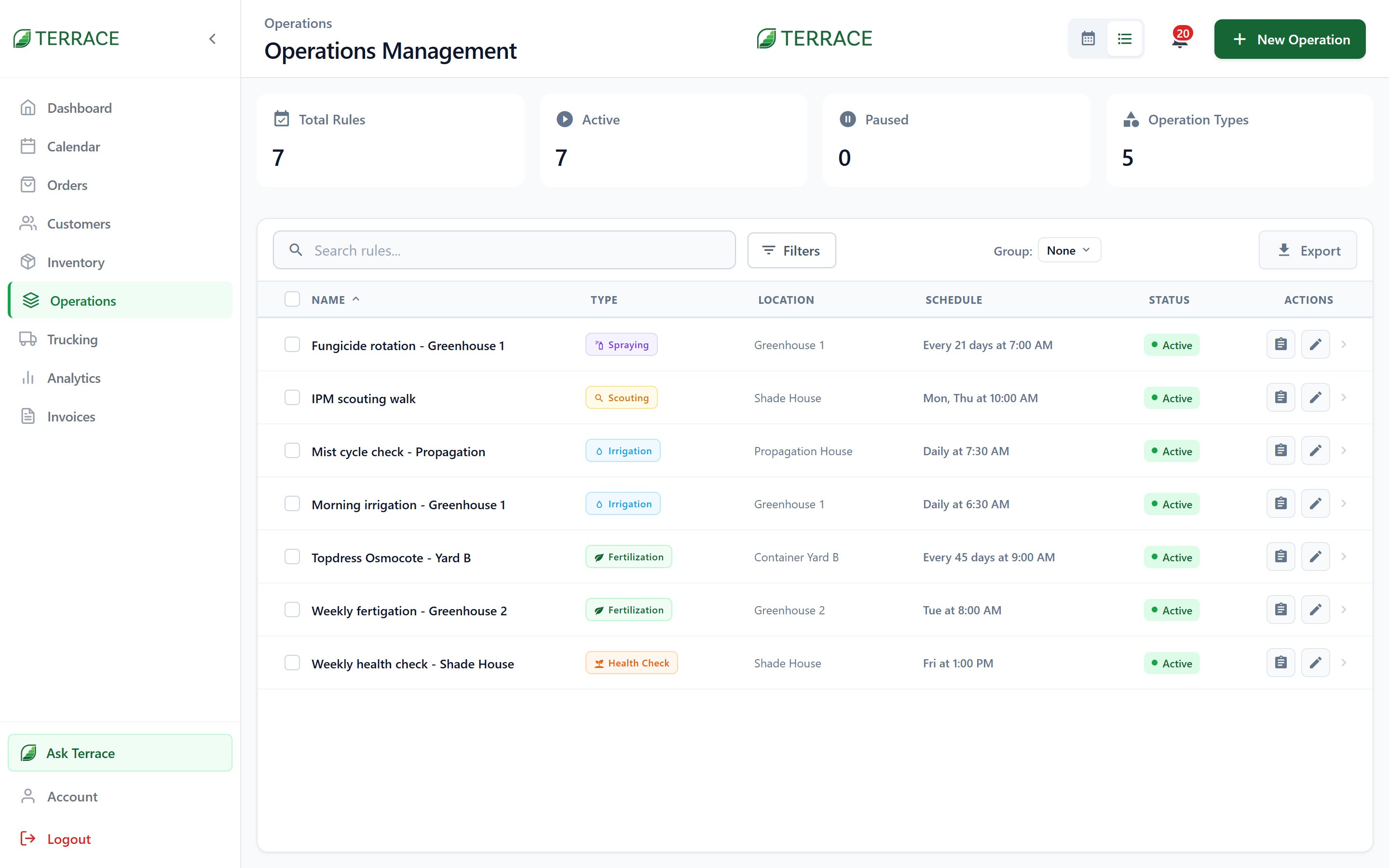
- Tasks due today from your operations schedule
Operations
Exports
Four report types, each as PDF or Excel:Viewing inventory, locations, and batches, managing products, adjusting stock, deleting products, and exporting are separate permissions. Field staff can often see stock without being able to change it.
Growing
Stock ties back to the batches it came from. See how growing feeds inventory.